TL;DR -- Restructured the codebase into gameplay domains, built an asset editor for layered sprites, added chat and chat bubbles, and continued building out the HUD.
What I did
Asset editor and the layering problem
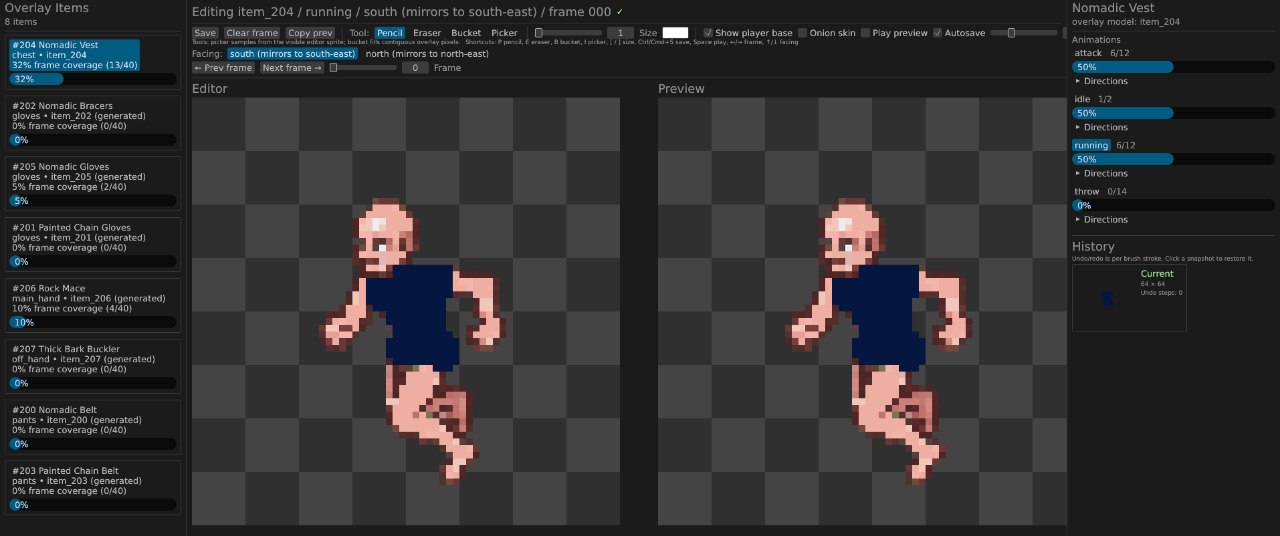
Characters in a game wear equipment. That equipment has to animate along with the body, which means drawing each item on top of every frame of every animation. If you have 4 directions (2 are mirrored to get 4), 6 animations (idle, run, attack, throw, etc.), and 50 equipment pieces, that's a lot of sprites to manage and draw.
The editor helps in two ways. First, it keeps track of what is drawn and what is still missing for each item. Second, it renders items on top of the character sprite at each animation frame so you can see exactly how the item will look as the character animates, without having to load the game.
All frames still need to be drawn by hand but it's easier with the editor.
Chat and chat bubbles
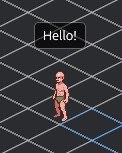
Players can talk to each other through a chat window opened with Enter. I also added chat bubbles floating above characters so you can see what people say without opening the chat.
UI
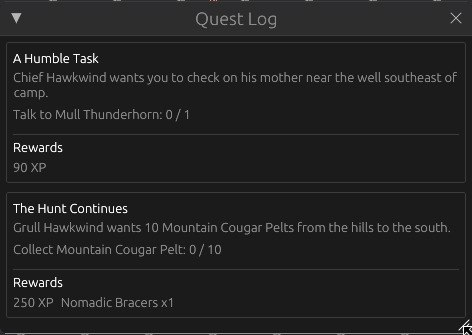
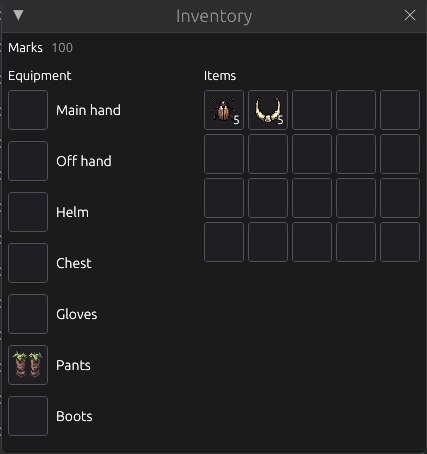
The UI is taking shape. Here are a few screenshots of the current state.
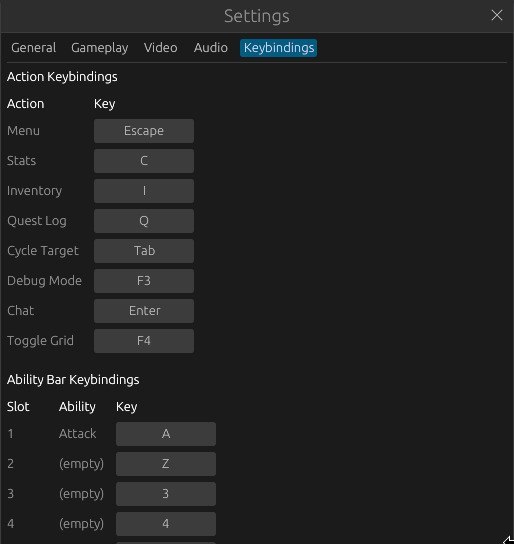
Keybindings settings:
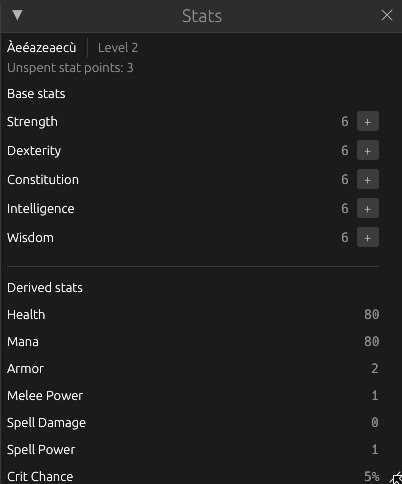
Character stats with point allocation:
Quest log:
Inventory with equipment slots and backpack:
Ability bar:

Domain reorganization
The codebase was still split by technical layer. I reorganized it around gameplay domains: combat, inventory, quests, loot, movement, chat. Each domain owns its logic and its state. This makes it easier to add features without the code getting tangled.
What's next
I'm spending time playing with the engine to figure out what I actually enjoy. Movement, combat pacing, ability cooldowns, how the tick rate affects responsiveness.